
Ledger Nano not recognized over USB on macOS
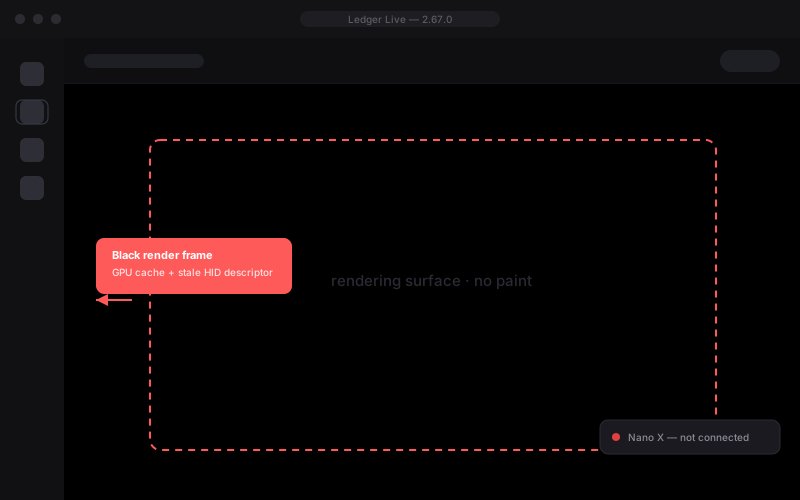
The Nano is plugged in, but Ledger Live keeps showing “Looking for device” and never lists it. This is a USB descriptor conflict introduced in macOS 14/15 — the app loses the HID handshake before the device can be mounted.
Verified on Ledger Live 2.67.0 · reviewed by the recovery desk, 7 Nov 2026
Fix this connection issue
40 secFour read-only checks on the bridge, the HID handshake and the wallet index. Nothing is installed, no admin password, no cable re-plug.
Fix the issue2.62 – 2.67 on macOS 14.4 – 15.2
fixed in 2.68 beta
You are seeing
- “Looking for device” stays on screen and never resolves
- Finder sees the Nano, but no connection prompt appears in the app
- Re-plugging the cable or switching ports changes nothing
- Started after a macOS or Ledger Live update
Why it happens
macOS Sonoma and Sequoia enforce a stricter USB HID entitlement. Ledger Live’s bridge keeps a stale device descriptor cached from the previous session: the handshake dies with kIOReturnNotResponding; the transport throws TransportStatusError: DisconnectedDevice — and the local wallet index is never re-mounted. The hardware is fine — the index on this Mac is what is broken.
0x6faa.